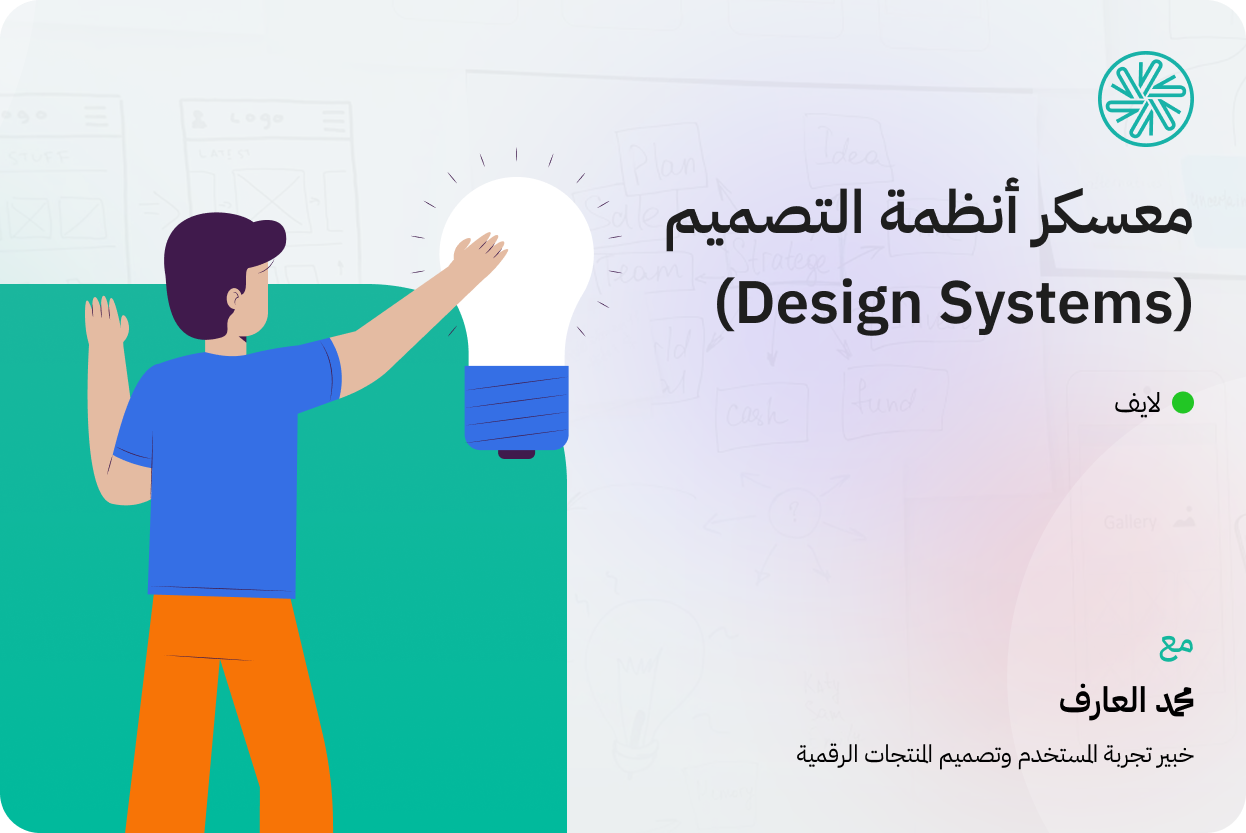
In this camp, you will receive more than 30 hours of high-quality live interactive educational content online, and you will learn and apply building design systems using the atomic design methodology (Atomic Design), managing design codes (Design Tokens), documenting the system and linking it to the code.
0 of 6 camps completed (0%)Your progress on the path
About this camp
You'll go from building disparate components to designing an integrated system that ensures consistency across every screen, and from difficult-to-interpret design decisions to documented Design Tokens that speak the same language as developers. This camp not only teaches you how to use Figma, but it teaches you how to think about design as a living, scalable, and maintainable system, and brings you out with a real design system ready for delivery.
After camp, you will be able to:
Understand the difference between Design System, Style Guide, and UI Kit and choose what works for your project.
Build systematic components using Atomic Design from the simplest elements to the most complex.
Create dynamic components using Auto Layout, Variants, and States.
Build documented Design Tokens and connect them to your components within Figma.
Systematically create Dark Mode and Light Mode.
Document the design system and deliver it to developers professionally.
Export Figma variables to JSON and convert them to CSS ready for development.
This camp is suitable for you if:
An experienced interface designer who wants to take your business from designing screens to building systems.
A designer who works within a team and suffers from inconsistency between components and displays.
A designer who wants to speak the same language as developers and deliver his work professionally.
A design manager or team leader who wants to build a unified design system for his product.
For anyone who sees in themselves the ability to commit and persevere to learn new skills.
Tools you will need during camp:
Provides a computer or laptop with a stable Internet connection.
Free Figma account (and we'll walk you through the steps to set it up when needed).
Install the Zoom application and create an account on it to attend live and interactive sessions
educational curriculum
What you will learn in this camp
Your educational journey - step by step
We believe that effective learning begins with clear, thoughtful steps. In this course, you will embark on a guided educational journey, starting from the basics and gradually moving you towards professionalism. Each stage is carefully designed to confidently build your skills and give you a practical understanding that you can apply directly to real-life projects.
What is a design system?Why is it important?
UI Kit, Style Guide, Design System and the difference between them
Basic system elements.
How do you start building a design system?
Atomic design methodology (Atomic Design) and its levels.
How to plan and analyze component levels.
Understanding Component States (States & Variants)
Interactive hands-on activity: Use Figma Auto Layout and Properties to create dynamic components.
Interactive hands-on activity: Create a Button using Variables and Auto Layout.
Interactive practical activity: building complex components (Molecules & Organisms).
What are design codes (Design Tokens) and why are they important?
The difference between design codes (Design Tokens) and Figma variables (Figma Variables).
Types of design symbols (Design Tokens) and naming strategies.
Design code planning and building strategies (Design Tokens).
Organize and connect components to Design Tokens within Figma
create(Dark Mode & Light Mode)
Why is documentation important? And how to create it in practical ways.
Best Tools for Delivery Phase for Developers (Handoff).
Design System Maintenance (Design System): Its Areas and Importance
Governance (Governance): Models and best practices for managing change.
Export Figma variables to JSON and preview the code
Export and Conversion Tools (Style Dictionary)
Convert JSON to CSS and link it to the project
Setting up a Variable Library (Variables) in Figma for export
The Complete Workflow: From Figma to Development
Graduates' opinions
Layan Hani Al-Harbi
Country: Saudi Arabia
29 December, 2025
What can I say about Cradis? Cradis was not just a camp… it was a journey that changed me in every detail. From the first day, I entered not knowing what awaited me, but I was excited to learn, discover, and challenge myself.
KulIt was a new adventure, full of challenges, pressure, long hours, and tasks we completed in disbelief!
I met amazing people, each with their own passion, ambition, and goal, and we always boosted each other's morale. The team became like a family, and every achievement felt like a collective victory.
I learned to work under pressure, present my ideas confidently, review every detail meticulously, and respect time, the team, and the client. I learned the value of planning and that design isn't just about taste… it's logic, purpose, and an experience that must resonate with people.
From FigJam to Figma, from the first sketch to the final prototype… I truly felt I had designed something I could be proud of, and I realized that every step we took made a difference, even the smallest ones.
And I'll never forget how the bootcamp motivated me to bring out the best version of myself. Even when I was tired or stressed, I kept going because I believed the result was worth it. And the best part? The result was truly greater than I expected. In short… Kradis isn't an end, it's a new beginning on a path I'm excited to complete with determination and passion.
Thank you to everyone who shared this journey with me, and to every supervisor and mentor who gave us their time and expertise. A special thank you to my team, whose spirit was even more wonderful than the work itself.
Khaled Mohammed Al-Aodi
Country: Saudi Arabia
26 January, 2025
When I registered at Camp Cradis, I expected to learn new concepts and tools and develop my skills as a user experience designer, but what happened completely exceeded my expectations because the camp was not just theoretical educationأو جلسات تقليدية بل كان تجربة عملية متكاملة عشت فيها دور المصمم بشكل واقعي تمامًا كأنني اعمل فعليًا في بيئة عمل حقيقية هذا الشيء خلاني أضيف تجربة المعسكر في قسم الخبرات العملية بسيرتي الذاتية بدل ما تكون في قسم الدورات تدريبية فقط
خلال المعسكر اشتغلنا على مشاريع حقيقية ومررنا بجميع مراحل تصميم تجربة المستخدم بشكل مكثف جدا, بدأنا بجمع البيانات وعمل الأبحاث مع أصحاب المصلحة ومستخدمين حقيقيين لفهم احتياجاتهم ثم تعلمنا كيفية تحليل هذه البيانات وتحديد المشكلات الأساسية التي نحتاج إلى معالجتها بعدها انتقلنا إلى مرحلة توليد الأفكار وصياغة الحلول المناسبة وصممنا نماذج أولية فعّالة ,
ومن مميزات المعسكر ايضا انه يجمعك بفرق متنوعة الخبرات والثقافات وهذا ساعدني أطور مهاراتي في التواصل والعمل الجماعي بشكل كبير
التجربة كانت كأنها محاكاة فعلية لسوق العمل تعلمت منها أشياء مستحيل أكتسبها من التعليم النظري وحده فإذا كنت تبحث عن تجربة تعلمك التصميم من منظور عملي وتجهزك بشكل حقيقي لسوق العمل أنصحك بمعسكر كراديس تجربة مميزة لكل مصمم تجربة مستخدم يبغى يطور نفسه ويحقق تقدم واضح في مسيرته المهنية
Abdul Rahman Samir Al Sharif
Country: Saudi Arabia
30 December, 2025
My experience with Camp Cradis was exceptional and enjoyable from start to finish.
Since my major is Human Computer Interaction (HCI), I have studied UI/UX academically,
However, the camp provided me with enriching information and also left me aloneI applied what I learned, and it taught me how to navigate the job market professionally.
Honestly, I expected it to be just another bootcamp... but Kradis far exceeded my expectations.
They're dedicated to teaching you perfectly, focusing on every detail. From day one, you'll feel their genuine commitment to understanding, not just completion.
Their teaching method is engaging and interactive, with each session packed with new information, even if you've been in the industry for years.
What sets them apart is that they teach you "why" to do things, not just "how." They don't just teach you a specific tool like Figma; they also cultivate your mindset as a designer.
The bootcamp combines theory and practice, truly transforming your perspective on design from one of "tools" to one of a structured way of thinking and a series of disciplined steps.
From just the first two sessions, you'll start to notice the mistakes in your previous work firsthand, because you'll discover the difference between randomness and clear, systematic design.
And the best part? They nominate outstanding students for companies after graduation, but in reality, the truly outstanding student is the one who works hard and follows the correct steps.
The biggest proof of their integrity:
Some students were planning to enroll in other courses from the same group during the bootcamp,
but Engineer Mohammed advised them against it to avoid distractions, even though there was an opportunity to sell them a new course!
The primary goal was always: ensuring the student's learning.
The educational journey with them starts from scratch and takes you to an advanced level, with a solid understanding, an organized mindset, and real-world application that allows you to design while understanding every detail.
I recommend this experience to any designer or anyone interested in UI/UX, because it's not just a bootcamp… it's a complete transformation in your thinking as a designer and a major leap in your career.
Thank you, Cradis,
Thank you, Eng. Mohammed Al-Aref,
Thank you, Eng. Osama Al-Darini.